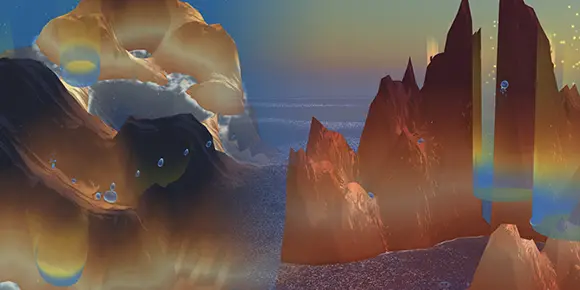
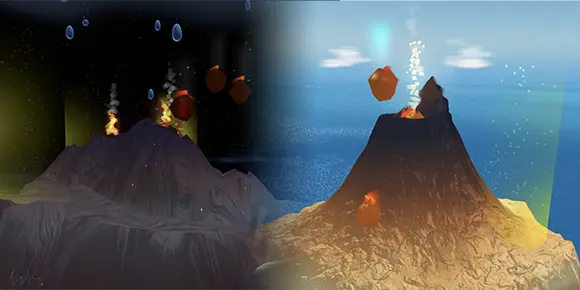
Every Oasea level drops rain on a desert island. Your job is to shape the terrain so droplets roll into the collection pool. Hit the target percentage and the island blooms back. This page covers every control, power-up, hazard, and bonus mode — search it or skim it.
Oasea is a 3D island restoration game. Each level drops you onto a barren desert island while rain falls from drifting clouds. Your job is to sculpt the terrain so the falling droplets roll into the level's collection pool. When enough water has gathered, the island blooms back to life — and you move on.
Everything in the game is built around three small actions: raise terrain, lower terrain, and occasionally tap the water itself. From those three, the whole game unfolds.
VERB 01
Raise
Push terrain upward to form walls, ridges, and ramps that funnel water.
VERB 02
Lower
Dig basins and channels that pull water downhill toward the collection pool.
VERB 03
Split
Tap a large droplet to break it in two — useful when water pools where you don't want it.
One screen, one island
You never leave the level you're on until you complete it or step back to the menu. Sculpting, water, hazards, the collection meter, and the timer all live on the one view.
Every level has a water collection target shown on the progress bar along the right edge of the screen. As droplets fall into the collection pool, the bar climbs. Reach the target percentage and the level is complete — the island blooms, the score tallies, and you earn between one and three stars.
Targets get stricter as you progress. Early islands are forgiving; later ones demand most of the rain that falls.
1
The collection meter on the right edge — climbs as water reaches the pool.
2
The collection pool itself. Every droplet that lands here counts.
3
Your brush ring shows where you'll sculpt and how wide.
All sculpting is one tool. Hold to raise, modifier to lower.
The sculpt brush is always active — there is no separate raise/lower tool to switch between. A circular ring on the ground shows the brush area while you're editing, so you can see exactly what you're about to push.
Action
Desktop
Mobile
Raise terrain
Click & hold
Tap & hold
Lower terrain
Shift+hold
Two-finger hold
Quick raise
Single click
Single tap
Quick lower
Right-click
Two-finger tap
Orbit camera
Drag off terrain
One-finger drag off terrain
Zoom
Scroll wheel
Pinch
Play / Next Island
Enter
—
Toggle fullscreen
F
—
Mute / unmute
M
—
Open settings
2
—
Open leaderboard
3
—
Tip — Off-terrain drags
To rotate the camera, drag from somewhere the sky meets the screen, not from the island itself. Dragging on the terrain will sculpt instead. If you keep accidentally sculpting when you meant to look around, aim a little higher.
Droplets merge as they roll — small drops that touch each other become bigger ones. Bigger drops move more slowly and tend to settle. If a large droplet pools somewhere unhelpful, you have a one-tap fix: tap directly on it to split it into two smaller ones.
The smaller halves are lighter and easier to redirect with a quick raise or lower nearby. This is often faster than re-sculpting the surrounding terrain.
Note — Only works on big drops
Splitting requires a droplet large enough to register a tap. Tiny droplets are too small and will pass through your tap to whatever's underneath.
Both power-ups are baked into the basic sculpt controls — there are no buttons or charges to manage. You activate them by holding longer than you normally would. The brush ring changes color as the power-up charges, and a sound cue confirms activation.
Power-up · 01
Turbo Mode
Hold the raise action for about 2.5 seconds. The brush ring glows teal and charges up, then fires at 1.5× sculpting speed.
Listen for the activation chime — that's your signal to start moving.
Power-up · 02
Stamp Drop
Hold the lower action to charge a stamped depression. Releasing pushes terrain down in one powerful hit.
Level 1 · 1.5s · wide
Level 2 · longer · wider & deeper
Tip — Stamp first, sculpt second
On a fresh level, a Level-2 Stamp Drop near the collection pool is often the fastest way to start. It carves a deep, wide funnel in a single hit — then you refine around it with normal sculpting.
Oasea simulates each raindrop as an actual physics object — they roll, settle, push each other, and combine. Understanding these rules will save you a lot of sculpting:
Rain falls from drifting clouds. Clouds move across the island; their position shifts where rain lands moment-to-moment.
Droplets are physics-simulated. They roll, merge, and flow realistically — slope and surface shape determine everything.
Droplets merge on contact. Small drops touching each other combine into larger ones. Bigger drops are slower but heavier — they push through gaps better.
Water evaporates on hot levels. Larger drops evaporate faster than small ones — counterintuitive, but it means leaving water exposed too long is costly.
Ocean level varies per level. Anything below the ocean line is submerged and can't be sculpted or used. Some levels have a high sea; some have almost none.
Watch out — Evaporation is sneaky
On hot levels you'll lose water continuously, even while you're sculpting. Pace yourself: pool water in deeper basins quickly so it has less exposed surface area to evaporate from.
Past the first few levels, the island starts pushing back. Each hazard has a specific behavior — knowing them ahead of time means you spend less time wondering why your water went sideways.
Hazard
Effect
Boulders
Static or dynamic. Block and redirect water. Dynamic boulders can be rolled by sculpting underneath them.
Cyclones
Tornado vortexes that wander the island and fling droplets away from where you want them.
Lava flows
Volcanic blobs in Fire Pack levels that flow downhill and harden, permanently reshaping the terrain.
Evaporation
On hot desert levels, water disappears from exposed surfaces over time. Deeper pools survive longer.
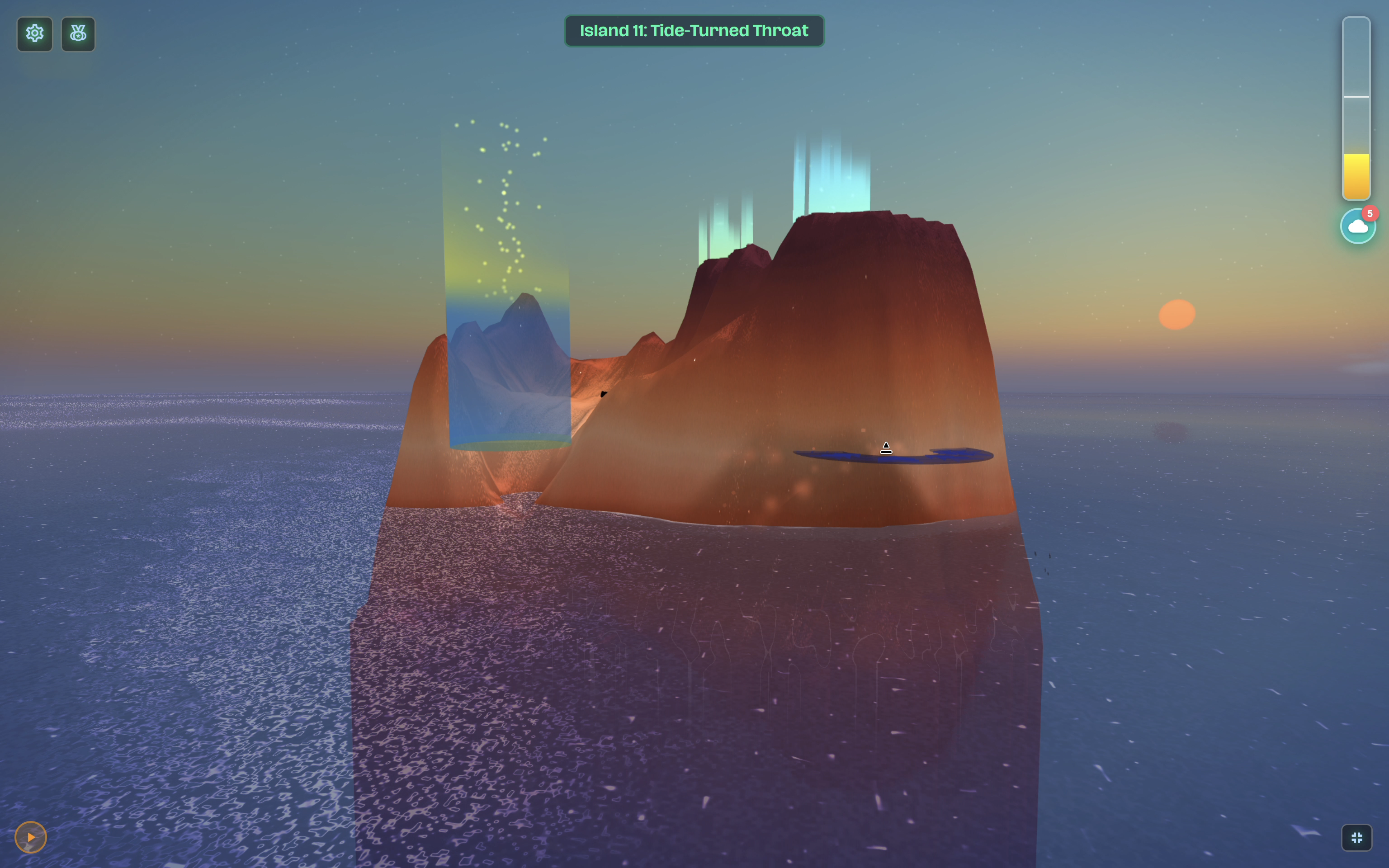
Tidal reversal
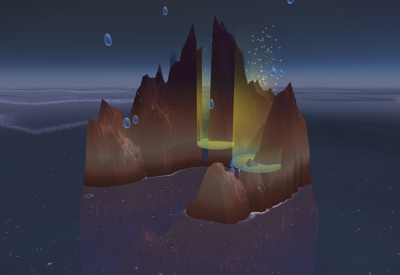
On Tide-Turned Throat (Level 11), the flow direction through the island channel reverses every 20 seconds.
Tip — Use boulders as walls
Dynamic boulders are obstacles, but they're also free walls. Rolling one into a gap can save you several seconds of sculpting on tight levels.
Every completed level earns one to three stars. Each star has its own criterion — you can earn any of them independently, in any order. The full point score combines water percentage, time bonus, and how much terrain you sculpted to get there.
Stars
Criteria
★
Completed. Hit the water collection target for the level. The default reward for finishing.
★★
Speed. Completed in under 2 minutes 30 seconds.
★★★
Efficiency. Water collected relative to how much terrain you sculpted. The less you dig, the better.
Scores sync to global leaderboards, per-level and aggregate. You can replay any level to chase a better score; only your best run counts.
Twenty-two free islands, four trials between them.
The free Story Campaign runs from Level 1 to Level 22 — fifteen story islands with progressively stricter targets, faster cloud spawns, more complex shapes (bays, tilts, irregular coastlines), and added hazards.
Notable story levels
#
Preview
Name
What's different
01
Desert Isle Revival
A gentle introduction to sculpting, rain, and the collection pool.
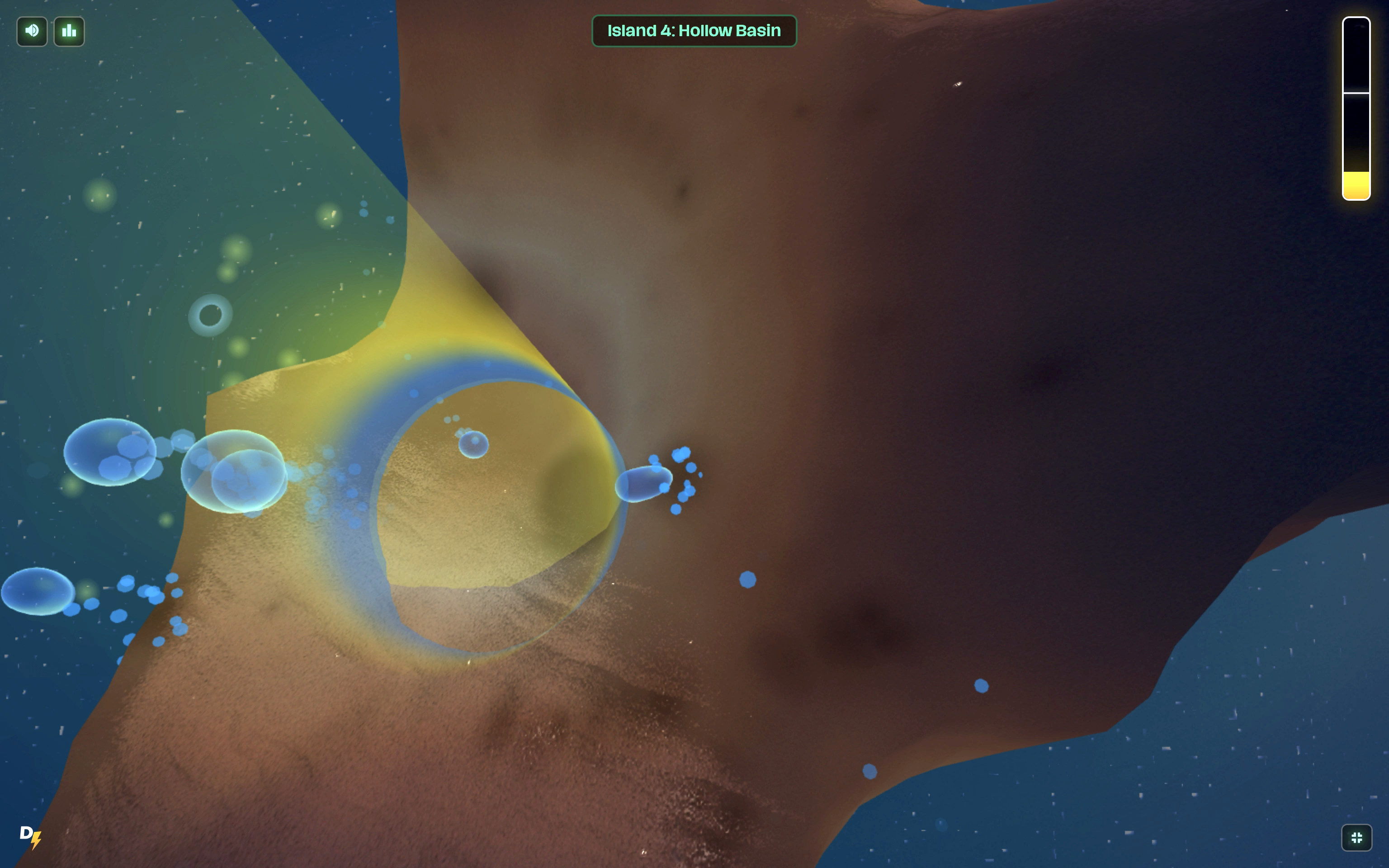
04
Hollow Basin
A prominent bay carves into the coastline — every drop counts.
07
Vapor Crucible
First level with evaporation — water steals from you while you work.
09
Glass Dunes
Cyclones roam the island and fling droplets off-course.
11
Tide-Turned Throat
The flow through the central channel reverses every 20 seconds.
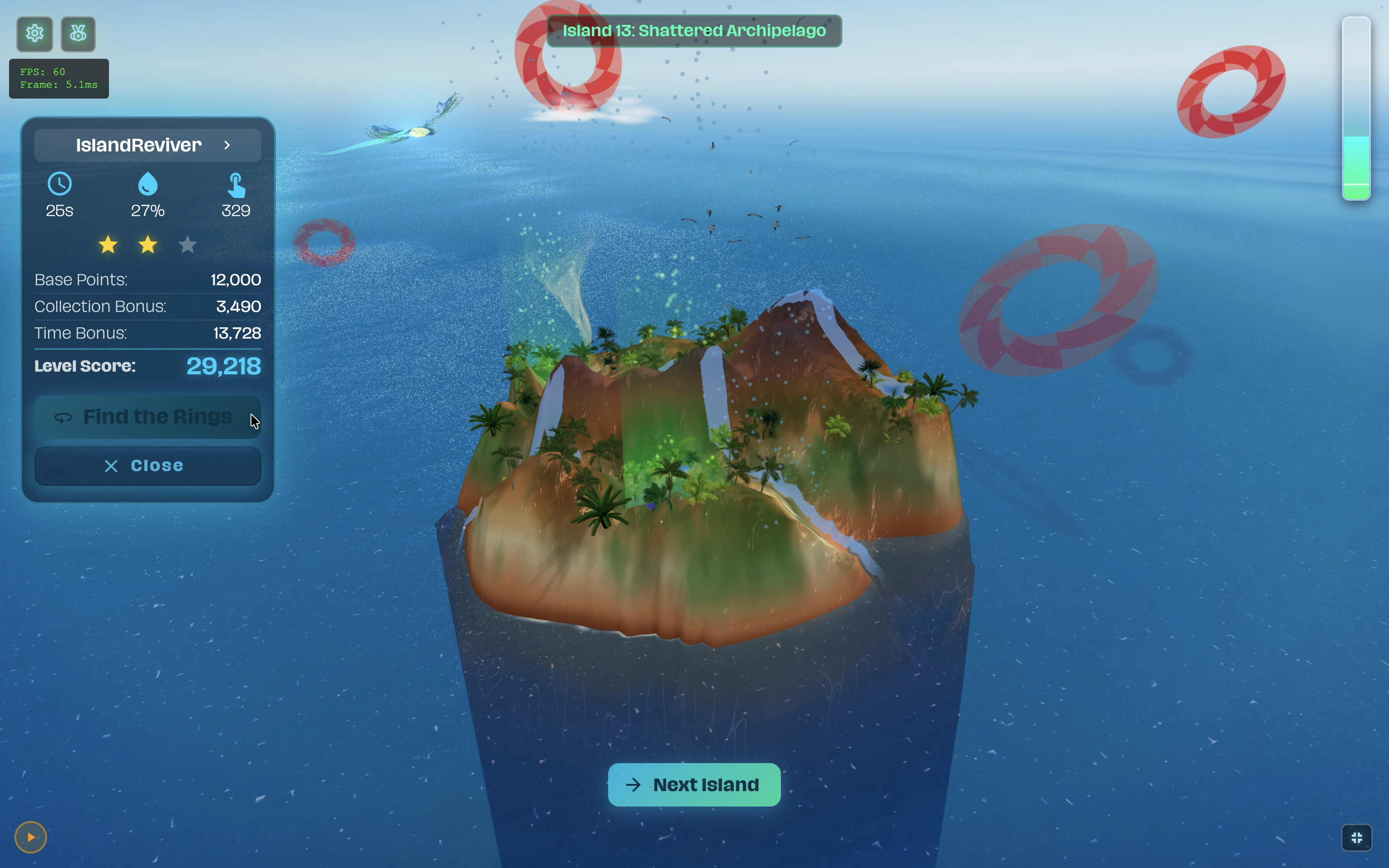
13
Shattered Archipelago
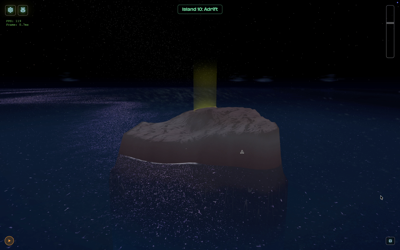
Fragmented terrain. Completing it unlocks the post-win ring hunt on certain levels.
Post-win ring hunt
Some levels end with a bonus mode. After the island has bloomed, a spiral of floating 3D rings appears across the terrain and the Quetzal bird switches to free-roam. Find and collect every ring before time runs out — pure exploration, no sculpting.
Bonus mode
Spiral of rings across the bloomed island — Quetzal in free-roam.
Daily Islet
A new procedurally-generated Daily Islet appears every day. Small, fast, and unique to that date. Play it once for free, anytime in the 24-hour window — daily challenges have their own global leaderboard.
Refreshes daily · 00:00 UTC
Today's Daily Islet. Small, sharp, and gone tomorrow.
Bonus levels
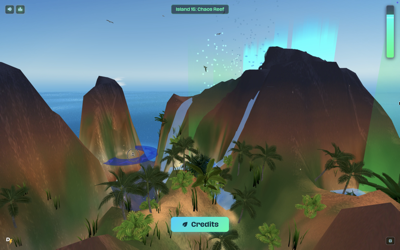
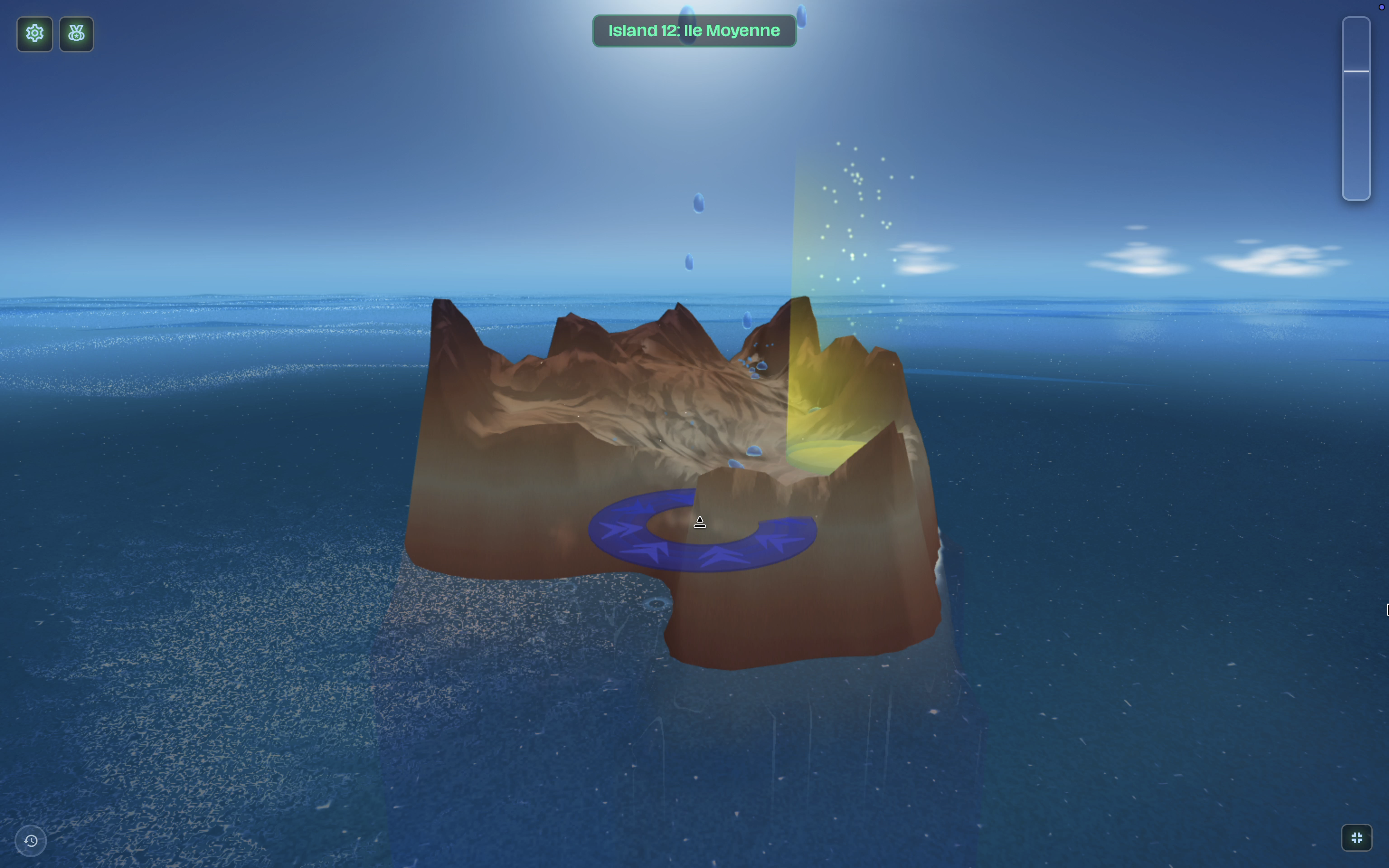
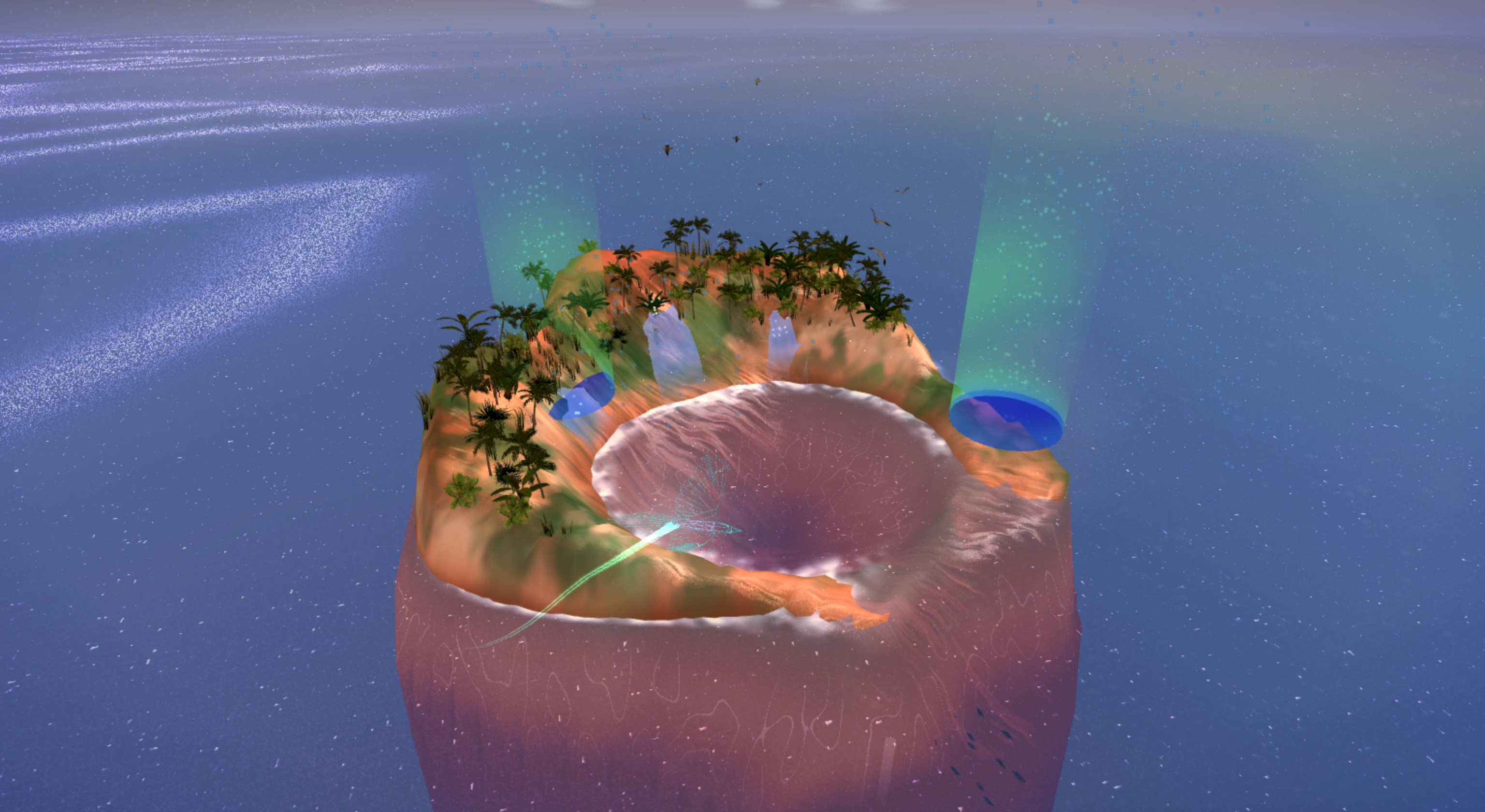
25+ additional islands unlock through level packs or completion milestones. Many are inspired by real places — Ball's Pyramid (tallest volcanic sea stack in the world), Azores Crater (Vila Franca do Campo, São Miguel), Ile Moyenne (the world's smallest national park), plus Octopus's Garden, Omnis Ultimus, The Last Terrace, and more.
Bonus levels
Azores Crater — Vila Franca do Campo, São Miguel, recreated in-game.
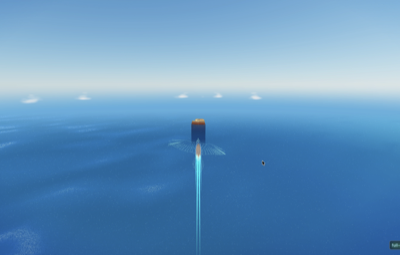
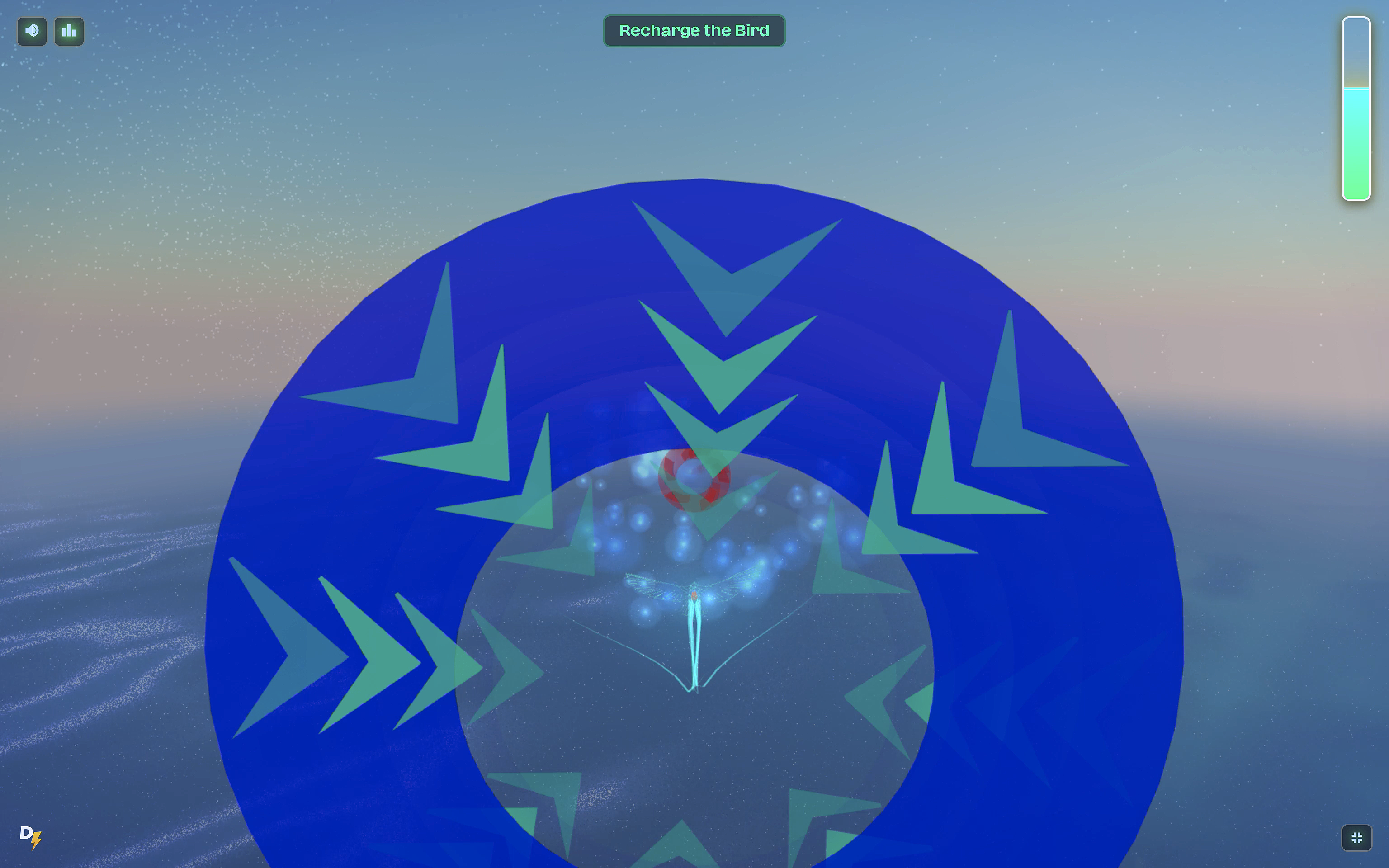
After Levels 3, 6, 9, and 12, a Sky Trial unlocks. You pilot the Quetzal bird at speed through a course of floating rings:
Blue rings — fly upward to collect.
Red rings — dive downward to collect.
Miss too many and the trial fails — you can retry.
Each trial is harder than the last: Sky Trial I → IV add more rings, faster speeds, tighter gaps, and eventually fog, storms, and massive cyclones in the flight path.
1
Blue rings — pull up to gain altitude and fly through.
2
Red rings — dive downward to thread.
3
Missed-ring counter — too many and the trial fails.
4
The Quetzal — up-down only here. Left/right is handled by the course.
Flight controls
The Quetzal is steered differently in the two flight modes. Sky Trials are up-down only — the course handles left and right for you. Free-roam ring hunt opens it up: you can turn freely, and the controls mirror the sculpting verbs you already know. Mobile bindings below are provisional and may change before launch.
Sky Trial
No turning — the course flies you. Just up or down to thread blue and red rings. Controls mirror sculpting.
Action
Desktop
Mobile
Pitch up (catch blue rings)
Left-click & hold
Tap & hold upper screen
Pitch down (dive for red rings)
Shift+holdorRight-click
Two-finger hold
Free-roam ring hunt
Free flight across the bloomed island. Two control schemes coexist — use whichever you prefer, or mix them.
Action
Desktop
Mobile
Pitch up
Left-click & holdorW
Tap & hold upper screen
Pitch down
Shift+holdorRight-clickorS
Two-finger hold
Turn left / right
Mouse X positionorA/D
TBD — touch controller
Boost
Space
TBD
Tip — Mouse turning is faster
In free-roam, steering with mouse X position is more responsive than A/D — small mouse movements translate to smooth banked turns. Use A/D when you need a hard, deliberate turn while your mouse hand is doing something else (like holding a click to pitch).
Mobile flight is provisional
The bindings above are an educated guess and haven't been tested on real devices yet. The shipping mobile build will likely add a small floating touch controller for turning in free-roam. We'll update this section when the real bindings land.
The bird isn't optional
You'll need to finish each Sky Trial to unlock the next batch of story levels. Completing all four also figures into a couple of achievements.
Email sign-in, no password. Log in via a one-time email link. We never store passwords because there aren't any.
Cloud saves. Progress, stars, and achievements sync automatically across every device you sign in on.
Leaderboards. Per-level and daily-challenge global rankings; updated as you finish each run.
Installable. Add Oasea to your home screen on mobile or your dock on desktop — it works offline once installed.
Tip — Sign in early
If you start playing before signing in, your progress lives in your browser only. Sign in before the end of your first session and we'll merge that local progress into your account for free.
The opposite is also common. Sculpting happens when you click/tap directly on the terrain; the camera orbits only when you drag off the island (on the sky or ocean). If you keep mixing them up, zoom out a little so the sky area is bigger and easier to grab.
Three common causes, easiest to hardest to fix:
1. Steep slopes — water that's rolling too fast overshoots the pool. Use the Smooth motion of small, gentle sculpts near the pool to widen the catch.
2. Too many tiny droplets — they evaporate or scatter. Pool them into larger drops with a basin upstream.
3. Wrong cloud pattern — watch where clouds spawn and drift. Position your channels under that path, not somewhere far from it.
You need to hold the raise action (a normal click-and-hold or tap-and-hold — no Shift) for about 2.5 seconds without moving. If you drag during the charge it cancels. Watch the brush ring: it'll glow teal as it charges, and you'll hear an activation chime when it fires.
Two options. First, tap the big droplet to split it — its smaller halves are easier to push. Second, sculpt a thin channel from the unwanted pool down to the collection pool; gravity does the rest. Try the split first — it's faster.
Oasea is 3D and physics-heavy. On older devices, open Settings → Performance and switch to Low graphics. Confirm hardware acceleration is enabled in your browser. If you installed Oasea as an app from your home screen / dock, the installed version usually runs noticeably faster than the in-browser tab.
If you played without signing in, progress was stored only in that browser. Clearing site data, using a Private/Incognito window, or switching browsers loses it. Sign in via email and play one level — cloud sync restores any progress tied to your email, and protects everything from now on.
Check spam first (the sender is [email protected]). If it's not there, request another link from the sign-in page. Corporate email filters sometimes hold the link for a couple of minutes; give it 5. If it still doesn't show, email [email protected] and we'll sign you in manually.
You can retry as many times as you want — failing a trial doesn't lose you any progress on the islands you've already completed. Two tips: take the ring colors literally (blue rings = pitch up with left-click hold, red rings = pitch down with Shift or right-click), and feather your inputs rather than pinning them. Trials reward smoothness more than reflex, and left/right is on rails — you only need to manage altitude.
Packs are tied to your account, so make sure you're signed in with the same email you used to buy. If you are, force-refresh the level select screen (or close and reopen the installed app). Still missing? Email [email protected] with your receipt and we'll restore it within a day.
The circular indicator that shows your sculpt area on the terrain. Changes color during Turbo and Stamp charging.
Collection pool
The basin per level where droplets must end up to count toward the target.
Daily Islet
A procedurally generated bonus island that refreshes every 24 hours. One free play per day.
Quetzal
The bird you fly during Sky Trials and ring hunts. Up-down only in trials; full steering in free-roam.
Ring hunt
A post-win exploration mode on certain levels: spiral of floating rings, free-roam Quetzal, time limit.
Sky Trial
The Quetzal flying minigame that unlocks after Levels 3, 6, 9, and 12.
Stamp Drop
The held-lower power-up. Level 1 stamp at 1.5s; Level 2 at longer holds.
Turbo Mode
The held-raise power-up. ~2.5s to activate; 1.5× sculpt speed once firing.
Want to design your own?
Beyond the built-in levels, Island Creator lets you shape playable islands from scratch — geometry, weather, props, and all. Paid feature, desktop only.